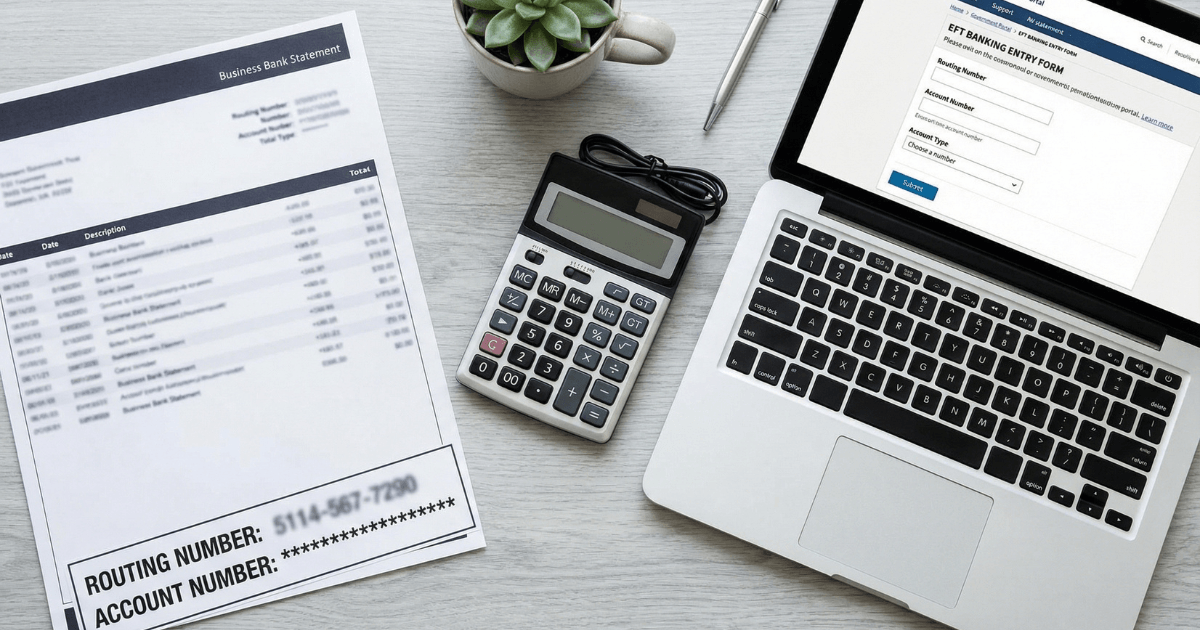
Your SAM.gov EFT banking information is how the federal government pays you. Incorrect or outdated banking details don't just cause inconvenience — they delay or disrupt payments on active contracts. This is one of the most detail-sensitive sections of SAM registration, and one of the easiest to get wrong. This guide covers what EFT information SAM.gov requires, how to enter it correctly, what triggers a banking validation issue, and what to do when your banking details change.
For the full SAM.gov registration workflow — UEI, entity validation, NAICS codes, and Reps & Certs — see the SAM.gov registration guide for small businesses. Already completed your Reps & Certs? EFT setup is the final section before submitting your registration.
On this page Jump to section
SAM EFT Banking Setup: Quick Answer
SAM.gov EFT (Electronic Funds Transfer) banking information is the section of your entity registration where you provide the bank account details the federal government uses to pay you. You need your routing number, account number, and account holder name exactly as they appear on your business bank records. Errors in this section delay federal payments — sometimes significantly.
What SAM EFT Banking Is and Why It Matters
EFT — Electronic Funds Transfer — is the ACH-based payment method the federal government uses to pay vendors on contracts, grants, and other federal disbursements. SAM.gov is where you register the bank account that receives those payments. The EFT section links your entity record to your business banking so the federal payment system knows where to route funds.
The federal payment system processes disbursements based on the exact details in your SAM registration. If the routing number, account number, or account holder name don't match — or if the account is closed or changed without updating SAM.gov — payments can be delayed, returned, or misdirected. Resolving a payment disruption after the fact requires coordination across multiple parties and takes considerably longer than the original error prevention would have.
Every business that receives direct federal payments — prime contractors, grant recipients, and any vendor whose contract requires government-issued payment — needs accurate EFT information in SAM.gov to receive those funds without disruption.
What Information SAM.gov Requires for EFT Setup
The EFT section in SAM.gov requires four fields. All four must be accurate and consistent with your actual business bank records.
| Field | What to enter | Where to find it |
|---|---|---|
| Routing number (ABA) 9-digit bank identifier | Your bank's ACH routing number, exactly as issued | Bank's official website or a voided business check — not a deposit slip |
| Account number Business checking account | Full account number, digit-by-digit as it appears in your bank records | Online banking portal or a voided check — verify directly with your bank if unsure |
| Account holder name Must match SAM entity name | The legal name on the bank account — exactly as it appears on bank records | Bank statement header or bank's account management portal |
| Account type Checking or savings | Checking (standard for business accounts) | Confirm with your bank if unsure which type your account is |
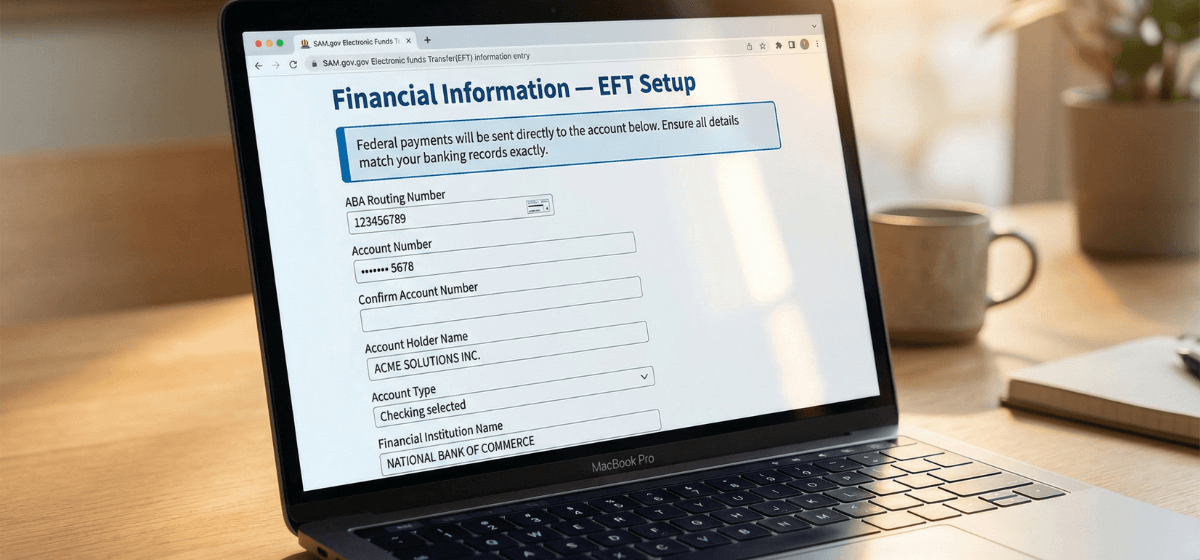
Critical formatting rules
- Enter numbers digit-by-digit — do not copy and paste from a source that may include spaces, dashes, or hidden formatting characters
- Account holder name must match exactly — including punctuation, abbreviations (LLC vs L.L.C.), and spacing — between your bank records and your SAM entity name. This is the single most common source of EFT validation mismatches
- Use the ACH routing number — some banks have different routing numbers for ACH transfers, wire transfers, and paper checks. SAM.gov uses ACH-based EFT. Confirm with your bank if you have any uncertainty about which routing number to use
- Use a business bank account — federal payments should route to an account held in your legal business name. A personal account creates a name mismatch and may create additional complications
MPIN and Banking Access in SAM.gov
The MPIN (Marketing Partner Identification Number) is a credential associated with your SAM.gov entity record that is used in certain system-to-system interactions and access workflows — separate from your Login.gov sign-in credentials. Banking updates and certain sensitive record changes may involve MPIN-related access controls depending on your registration workflow.
Updating banking information in SAM.gov requires proper entity administrator access. The entity administrator is the person whose Login.gov account is linked to the SAM entity record. If there are access issues — a former employee controls the account, credentials have been lost, or administrator access is unclear — those access problems need to be resolved before banking information can be updated.
For the full context on what MPIN is, how it interacts with SAM.gov access workflows, and how to reset it if needed, see MPIN explained: what it is and how to reset it safely.
When Your Banking Details Change
If your business banking changes after your SAM registration is Active — new account, new bank, account closure, or account restructuring — you must update your SAM.gov EFT section before the next payment cycle. Payments processed to a closed or changed account will be returned or delayed, and resolution requires coordination across your SAM record, your contracting office, and the federal payment processing system.
How to update banking information in SAM.gov
- Log in to SAM.gov using your Login.gov entity administrator credentials
- Navigate to your entity record in your Workspace
- Open the EFT / Financial Information section
- Update the routing number, account number, account holder name, and account type as needed
- Submit the update — monitor your entity record to confirm the change is processed
- Notify your finance team and, if you have active contracts with pending payments, inform your Contracting Officer Representative (COR) of the timing
Timing considerations with active contracts
If you have active contracts with payments in progress, the timing of a banking update matters. A change mid-payment cycle can create a gap where a payment is initiated against the old account before the update takes effect. Coordinate with your finance team on the timing, and communicate proactively with your contracting office rather than letting a returned payment surface the issue.
Banking setup verification checklist
Use before submitting your registration or after any banking update.
Banking details should also be verified at every annual SAM renewal — see SAM renewal: how to stay active and avoid inactivation for the full renewal workflow. Once your registration is Active and your first contract award is in place, see invoicing basics for new contractors for how federal payment processing works after award.
Common SAM EFT Banking Mistakes
Frequently Asked Questions About SAM EFT Banking
What is EFT in SAM.gov?
EFT (Electronic Funds Transfer) is the banking section of your SAM entity registration where you provide the account details the federal government uses to send contract and grant payments. It links your entity record to your business bank account for direct ACH deposit of federal disbursements.
What banking information does SAM.gov require?
SAM.gov requires your ABA routing number, account number, account type (checking or savings), and the account holder name exactly as it appears on your business bank records. The account holder name must match your SAM entity name — mismatches between these two are the most common cause of EFT payment delays.
How do I update my banking information in SAM.gov?
Log in to SAM.gov using your Login.gov entity administrator credentials, navigate to your entity record, and update the EFT section. Submit the change and monitor your record to confirm it is processed. If you encounter access issues related to entity administrator permissions, see MPIN explained for context on SAM.gov access workflows.
What happens if my SAM.gov banking information is wrong?
Federal payments may be delayed, returned, or misdirected. Resolving a banking mismatch after a payment has already been processed requires coordination between your SAM record update, your contracting office, and the federal finance processing team — significantly more effort than verifying the details before you submit.
Do I need to update banking details at every SAM renewal?
You should verify that your banking details are current and accurate at every annual renewal. If nothing has changed, confirm accuracy and continue. If anything has changed since your last submission — new account, new bank, account number update — update the EFT section during the renewal process before resubmitting.
Ready to complete your SAM registration the right way?
Getting the EFT section right is the final step before submitting a complete, Active-eligible registration. If you want an experienced review before you submit — or a done-for-you registration that covers every section from start to finish — the options below are the fastest path to an Active, accurate SAM record.
Author: Biz2Gov Editorial Team · Reviewed by: Former DoD Contracting Officer advisor · Sources: SAM.gov entity registration, SAM.gov help