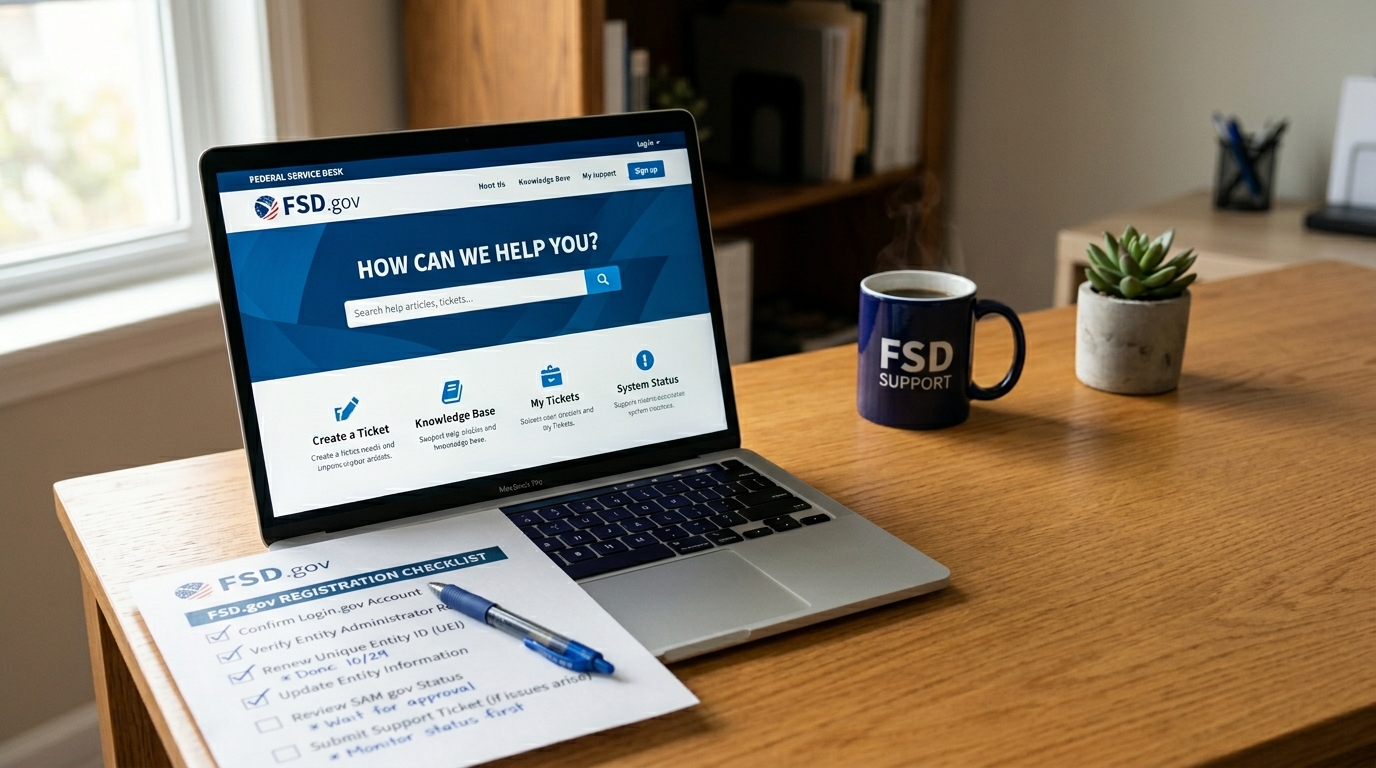
The Federal Service Desk (FSD) is the official support channel for SAM.gov issues. This guide explains what FSD handles, when to open a ticket, how to write an effective request that gets resolved faster, and what FSD cannot help with.
For the full SAM.gov reference guide, see the SAM.gov registration guide for small businesses. If your issue is with Login.gov sign-in rather than your SAM.gov registration, see Login.gov basics for SAM.gov vendors.
On this page Jump to section
What Is the Federal Service Desk?
The Federal Service Desk (FSD) is the official help and support center for SAM.gov and related federal acquisition systems. It is operated by the General Services Administration and provides free assistance to vendors, grant recipients, and agencies navigating SAM.gov registration, entity validation, and related issues.
FSD support is available through two channels:
- Online: Submit a support ticket at fsd.gov. This is the recommended method for most issues because it creates a written record and allows you to attach supporting documents.
- Phone: Call 866-606-8220, Monday–Friday, 8:00 AM to 8:00 PM Eastern Time. Phone support is useful for urgent issues or when you need real-time guidance navigating the system.
When to Use the Federal Service Desk
FSD is the right resource when you have a SAM.gov system issue that you cannot resolve through normal registration steps. Use FSD for:
- Entity validation stuck for more than 10 business days
- Registration shows an error you cannot identify or resolve
- CAGE code missing after registration is Active
- Duplicate UEI or duplicate entity record issue
- Cannot link your Login.gov account to your SAM entity
- Documentation request from SAM.gov that is unclear
- Banking or EFT update blocked by system error
- Registration locked or frozen without explanation
- Specific contract opportunities or agency solicitations
- Contract award decisions or protest processes
- Login.gov password resets (go to login.gov/help)
- Agency-specific procurement processes
- Certification programs (8a, HUBZone, WOSB)
- USAspending.gov data questions
- General federal contracting advice
What FSD Cannot Help With
Understanding FSD's limits saves time and prevents frustration. FSD operates SAM.gov's support function — it is not a federal contracting office, a certification authority, or an agency procurement team.
- Contract opportunities: FSD cannot tell you which contracts to pursue, help you find opportunities, or answer questions about solicitation requirements. That is the responsibility of the issuing contracting office.
- Login.gov issues: FSD handles SAM.gov registration issues — not Login.gov authentication problems. For Login.gov account recovery, password resets, or MFA issues, go directly to login.gov/help.
- Certification programs: 8(a), HUBZone, WOSB, and SDVOSB certifications are administered by the SBA and VA respectively — not by FSD or SAM.gov.
- Award decisions: If you believe a contract award was made incorrectly, that is a protest matter handled through the Government Accountability Office (GAO) or the Court of Federal Claims — not FSD.
How to Submit an Effective FSD Ticket
The quality of your FSD ticket directly affects how quickly your issue gets resolved. A vague ticket generates clarifying questions and delays. A specific, well-documented ticket gives the FSD agent everything needed to act immediately.
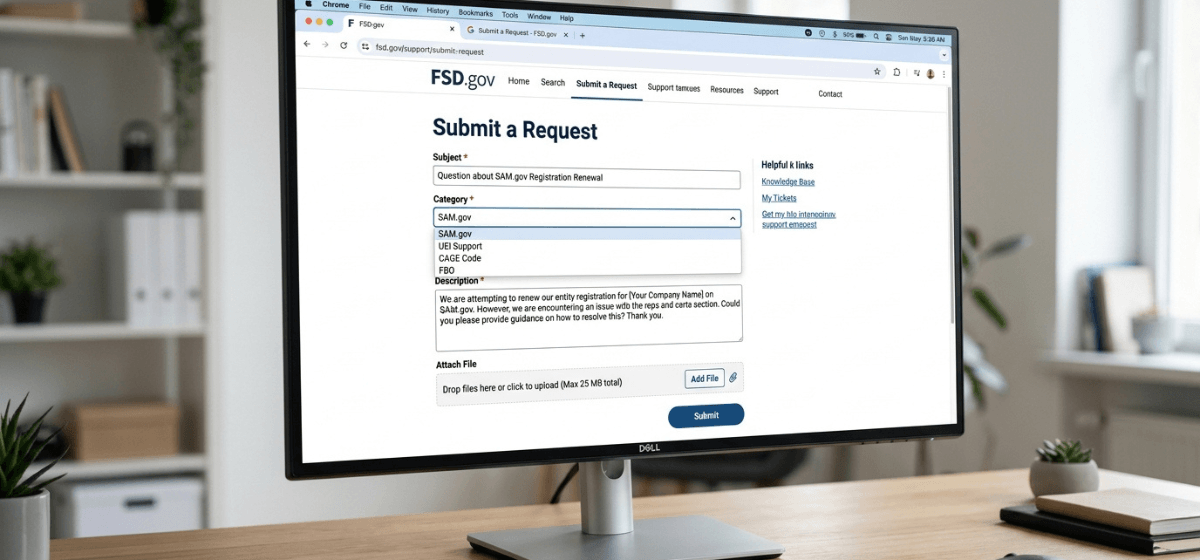
Before submitting a ticket, search fsd.gov's knowledge base for your specific issue. Many entity validation errors, address problems, and CAGE code questions have step-by-step articles. Resolving your issue through the knowledge base is faster than waiting for a ticket response.
Have the following ready before you start:
- Your UEI (Unique Entity Identifier)
- Your legal business name exactly as it appears in SAM.gov
- Your registration submission date or current status
- The exact error message you are seeing, if any
- Any case or incident numbers from previous FSD contacts
A strong ticket subject line looks like: "Entity validation stuck — UEI [your UEI] — submitted [date]". In the description, explain: what you submitted, what you expected to happen, what is actually happening, and what you have already tried. Specific dates, error codes, and field names get faster results than general descriptions.
Attach screenshots of error messages, your IRS EIN letter if there is a name or address mismatch issue, or any documentation SAM.gov has requested. FSD agents work faster when they have the evidence in front of them rather than needing to request it after the fact.
FSD tickets often require follow-up — additional documentation, clarification, or confirmation of actions taken. Check the email associated with your ticket regularly and respond as quickly as possible. The resolution clock pauses when FSD is waiting for information from you.
FSD ticket checklist
Before submitting, confirm you have included:
What Happens After You Submit
After submitting an FSD ticket, here is what to expect:
- You will receive an automated confirmation email with a ticket number. Save this — you will need it for follow-up.
- An FSD agent will review your ticket and either resolve the issue, request additional information, or escalate to a SAM.gov back-end team if required.
- Response times vary depending on ticket volume and issue complexity. Simple issues may be resolved within 1–2 business days. Complex validation or back-end system issues can take longer.
- You can check ticket status by logging into fsd.gov with the email you used to submit.
- If you have not received a response after several business days, follow up by replying to your ticket confirmation email — do not submit a new ticket for the same issue.
Stuck on a SAM.gov issue and not sure where to start?
Navigating FSD tickets, validation failures, and registration issues takes time and specific knowledge of how these systems work. If you want expert help resolving a stuck registration or want to avoid these issues entirely, book a strategy call or see our Done-For-You registration service.
Frequently Asked Questions
Is the Federal Service Desk free to use?
Yes. The Federal Service Desk is a free government support service. SAM.gov registration is also free. Any third-party service charging a fee to contact FSD on your behalf is not providing a service that requires payment — you can contact FSD directly at no cost.
How long does it take FSD to resolve a ticket?
It depends on the issue. Simple questions or knowledge base referrals may be resolved in 1–2 business days. Complex entity validation issues or back-end system problems can take longer. Providing complete information upfront — including your UEI, exact error messages, and supporting documents — minimizes back-and-forth and speeds up resolution.
Can I call FSD instead of submitting a ticket online?
Yes. FSD is reachable by phone at 866-606-8220, Monday–Friday, 8:00 AM to 8:00 PM Eastern Time. Phone support is useful for urgent situations or when you need real-time guidance. For complex issues with documentation, submitting a ticket online creates a written record that is easier to track and escalate if needed.
What if FSD cannot resolve my issue?
FSD can escalate tickets to SAM.gov back-end teams for issues that require system-level intervention. If your issue is not progressing after multiple contacts, ask the FSD agent to escalate your ticket. Keep your ticket number and document all communications in case further escalation is needed.
Does FSD handle Login.gov issues?
FSD handles SAM.gov registration system issues. Login.gov authentication problems — password resets, MFA issues, locked accounts — are handled by Login.gov support at login.gov/help, not by FSD. If you are unsure whether your issue is a Login.gov problem or a SAM.gov problem, try Login.gov support first, then contact FSD if the SAM.gov entity record itself is the issue.