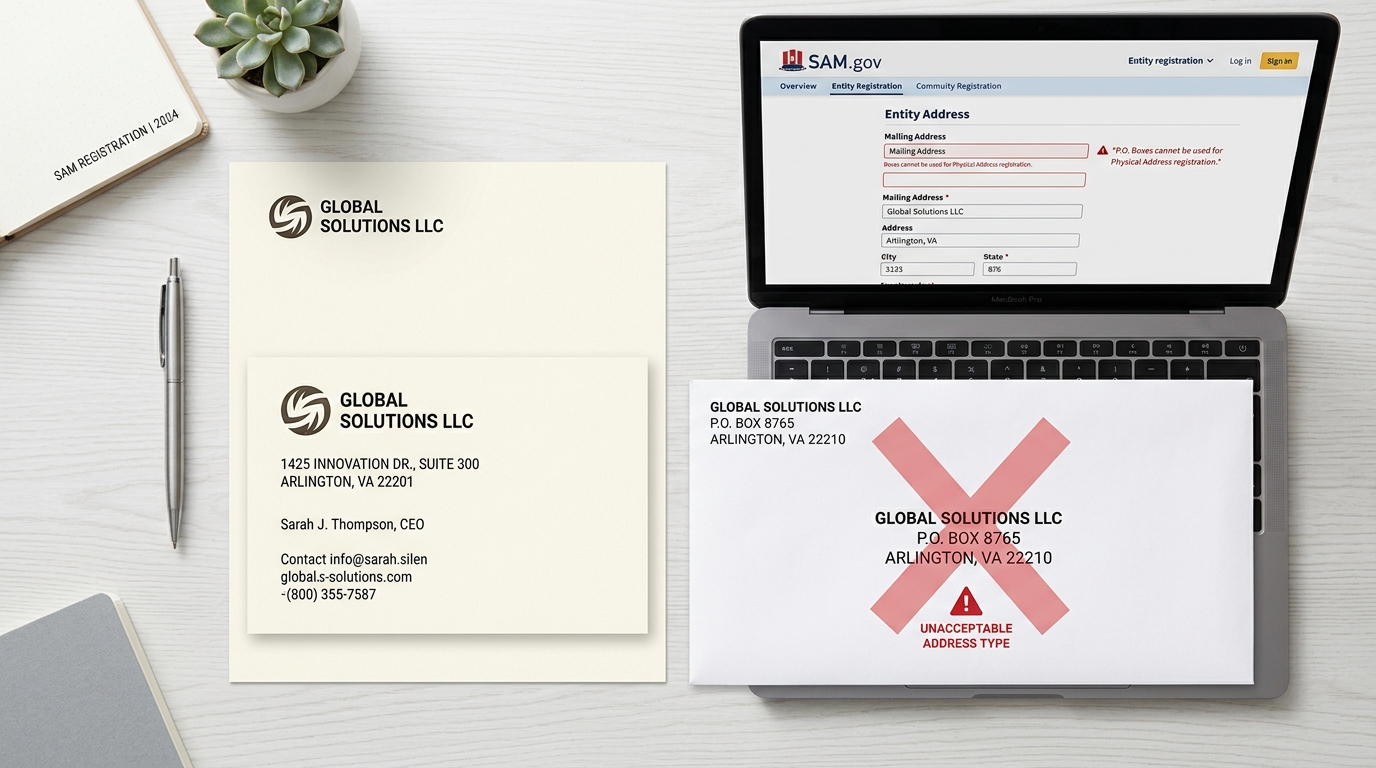
SAM.gov requires a physical address for entity registration — not a PO Box. This guide explains why the physical address requirement exists, what counts as a valid address, what to do if your business uses a PO Box, and how address errors cause entity validation failures.
For the full SAM.gov registration reference, see the SAM.gov registration guide for small businesses. If your registration is stuck in validation due to an address issue, see entity validation in SAM.gov — why it fails and how to fix it.
On this page Jump to section
The Physical Address Requirement
SAM.gov requires a physical address — a real street address where your business is located — as the primary address on your entity registration. This requirement exists because entity validation cross-references your submitted address against official records including IRS data, state business registration databases, and the DLA's CAGE code system.
A physical address is one that can be verified as a real location where your business operates. It must be consistent with the address on your IRS EIN records and your state business filing. Inconsistencies between these sources are one of the most common causes of entity validation delays.
- Physical street address where business operates
- Home address (for home-based businesses)
- Office or commercial space address
- Registered agent address (in some cases)
- PO Box numbers
- Some virtual office addresses (see below)
- Addresses that don't match IRS records
- Addresses of third-party mail services only
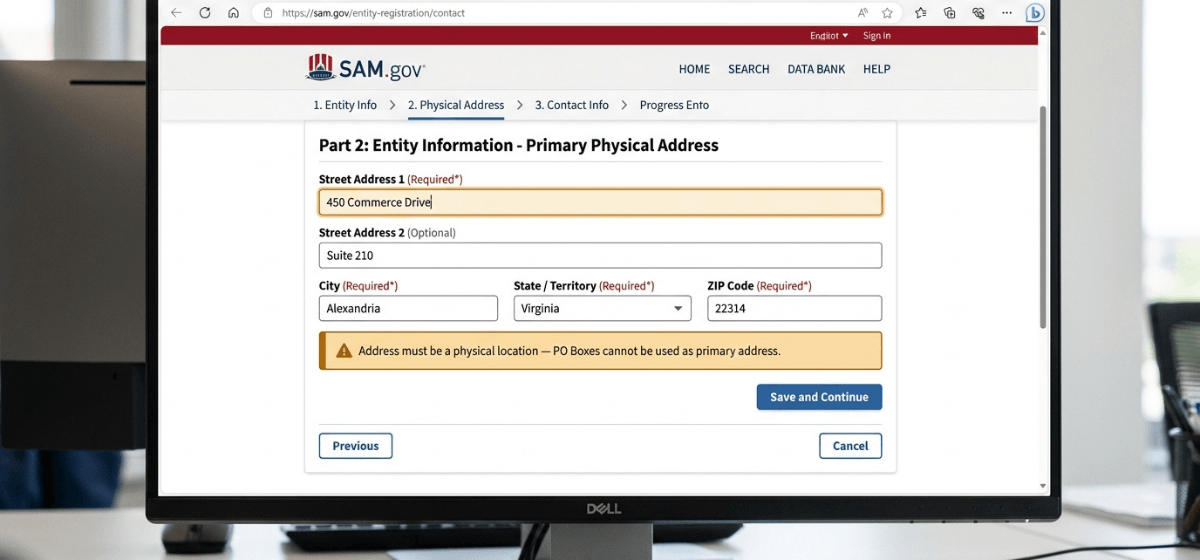
What Counts as a Valid Physical Address
A valid physical address for SAM.gov registration is any street address that:
- Represents a real, verifiable location where your business operates or is registered.
- Matches the address on your IRS EIN confirmation letter or official IRS records.
- Matches your state business registration if applicable.
- Is formatted consistently — same abbreviations, punctuation, and suite/unit format as your official records.
Why PO Boxes Cause Validation Failures
Entering a PO Box as the primary address in SAM.gov will typically cause your entity validation to fail or stall. Here is why:
- SAM.gov's validation system cross-references your address against IRS records and other federal databases. PO Boxes do not correspond to a business location in those systems.
- The Defense Logistics Agency (DLA), which assigns CAGE codes, ties CAGE codes to physical locations. A PO Box does not satisfy this requirement.
- Federal acquisition regulations require that vendors have a verifiable physical presence — a PO Box does not demonstrate this.
If you have been using a PO Box as your business address, you will need to use a physical street address for your SAM.gov registration. Your PO Box can be entered separately in the mailing address field if SAM.gov provides that option for your registration type — but it cannot serve as the primary address.
Home-Based Businesses and Address Privacy
If you operate your business from your home, your home address is a valid physical address for SAM.gov registration — and in most cases, it is the correct address to use if that is where your business is officially registered.
A common concern for home-based business owners is that their home address will become publicly visible. This is a reasonable concern. SAM.gov entity records are publicly searchable, which means your registered address can be viewed by anyone using the SAM.gov public entity search.
If address privacy is a concern, your practical options are:
- Use a registered agent address: If your state allows it and your business is registered at a registered agent's address, that address may be usable in SAM.gov — provided it matches your IRS records.
- Use a commercial office address: If you rent or use a shared office space that is also reflected in your IRS records, that address is valid.
- Virtual office with a physical suite address: Some virtual office providers offer a real street address with a suite number. See the section below on virtual offices.
Whatever address you choose, it must be consistent with your IRS records. Changing your IRS address to match a new business address takes time — plan ahead if you intend to update before registering.
Virtual Offices and Commercial Mail Receiving Agencies
Virtual office addresses present a gray area in SAM.gov registration. Some virtual office providers offer a real street address with a suite number — which may satisfy SAM.gov's physical address requirement. Others are functionally equivalent to a PO Box and will trigger the same validation issues.
The key factors that determine whether a virtual office address will work in SAM.gov:
- The address is a real street address with a suite or unit number — not a PO Box formatted as a street address.
- The address matches your IRS EIN records exactly.
- The address is associated with a location that can be verified as a real business address by the DLA and federal validation systems.
Addresses from commercial mail receiving agencies (CMRAs) — such as UPS Store locations — are generally not accepted as primary business addresses in federal registration systems. If you are unsure whether your virtual office address will work, verify against your IRS records first and be prepared to use an alternative if validation fails.
Address Formatting Tips That Prevent Delays
Even a valid physical address can cause validation delays if it is formatted inconsistently with your IRS records. These are the most common formatting issues:
- Abbreviations: Use the same abbreviations as your IRS letter. If the IRS letter says "Street," do not abbreviate to "St" — and vice versa.
- Suite and unit numbers: Match the format exactly. "Suite 100," "Ste 100," and "#100" are treated differently by validation systems.
- Directional prefixes: "North Main Street" and "N Main Street" may not match. Use exactly what appears on your IRS records.
- ZIP codes: Use the full ZIP+4 if that is what appears on your official records. A partial ZIP that differs from your IRS records can trigger a mismatch.
- State abbreviations: Use the standard two-letter USPS state abbreviation.
Need help getting your registration through validation?
Address mismatches and PO Box issues are among the most common causes of SAM.gov validation delays. If your registration is stuck or you want to get it right the first time, our Done-For-You service handles the details from start to finish.
Frequently Asked Questions
Can I use a PO Box as a mailing address in SAM.gov?
Depending on your registration type, SAM.gov may provide a separate mailing address field where a PO Box can be entered. However, a PO Box cannot be used as the primary physical address on your entity registration.
What happens if I enter a PO Box as my primary address?
Your entity validation will likely fail or stall. SAM.gov validates your address against IRS records and DLA data — PO Boxes do not satisfy those validation checks. You will need to correct the address and resubmit before your registration can become Active.
My business address changed. Do I need to update SAM.gov?
Yes. If your physical business address changes, update your SAM.gov registration to reflect the new address. Also verify that your IRS records have been updated first — your SAM address must match your IRS records to pass validation.
Can I use my accountant's or attorney's address?
Only if that address is also your registered business address on IRS records. Using a third-party address that does not appear on your official records will cause a validation mismatch. The address must be one that is verifiably associated with your business entity in federal systems.
What if my home address changed after I registered?
Update your SAM.gov registration with your new address. Make sure your IRS records have been updated to the new address first. Log in to SAM.gov, go to your entity record, and update the physical address field. Your registration will go through a brief re-validation after the update.