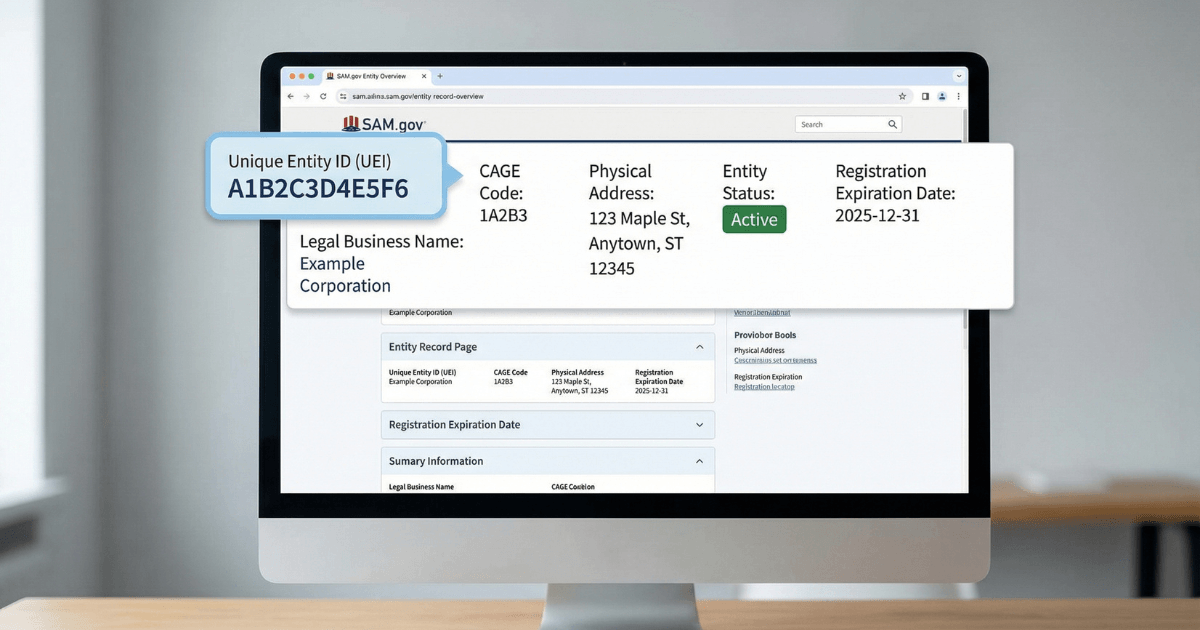
A UEI — Unique Entity Identifier — is the 12-character alphanumeric ID assigned to your business in SAM.gov. It replaced the DUNS number in April 2022 and is now required for any business seeking federal contract awards, grants, or government payments. This guide explains what a UEI is, how it's assigned, exactly where to find it in SAM.gov, and what you can — and can't — do with it.
For the complete SAM.gov registration reference — CAGE code, entity validation, Reps & Certs, and renewal — see the SAM.gov registration guide for small businesses. New to federal contracting entirely? Start with federal contracting for beginners.
On this page Jump to section
What Is a UEI Number? (Quick Answer)
A UEI (Unique Entity Identifier) is a 12-character alphanumeric code assigned to your business by SAM.gov. It is the primary identifier used across federal procurement and financial assistance systems to track your entity for contract awards, grants, and payments. Every business that does business with the federal government needs one.
What a UEI Is and Why It Exists
Before April 2022, the federal government used the DUNS number — a 9-digit identifier managed by Dun & Bradstreet, a private commercial company — to identify vendors and grant recipients in federal systems. The UEI was introduced to replace it with a government-owned identifier that federal agencies manage directly, without dependence on a third-party commercial data provider.
Your UEI ties together your SAM entity record, contract award data, grant records, and payment transactions across federal systems. When a contracting officer looks up your entity, runs an award, or processes a payment — your UEI is the thread connecting those records.
What a UEI is not: it is not a security clearance, a contract award, a small business certification, or any form of endorsement. It is a standardized identifier — the foundation that federal procurement and financial assistance workflows are built on.
How a UEI Is Assigned
UEIs are not applied for separately — they are generated automatically within SAM.gov. How and when yours is assigned depends on your situation:
Registering for the first time
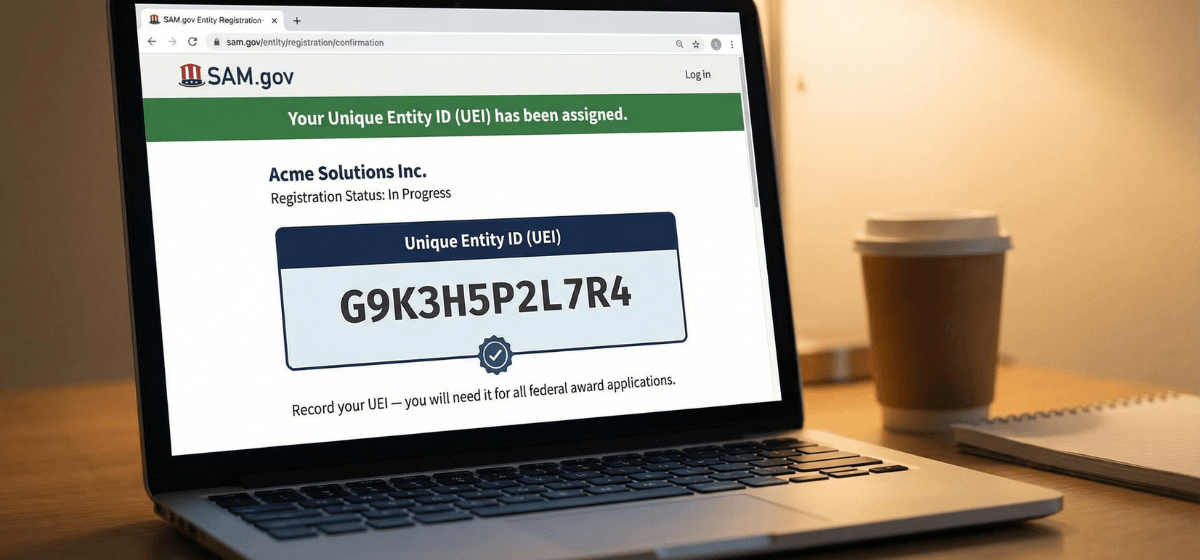
When you begin a new entity registration in SAM.gov, your UEI is assigned during the registration workflow — typically becoming visible in your entity record before your registration reaches Active status. You do not need to complete the full registration to see your UEI; it appears earlier in the process.
Existing SAM registration (registered before April 2022)
If your business had an active SAM registration when the DUNS-to-UEI transition occurred, your UEI was generated automatically. You do not need to re-register. Log in to SAM.gov and check your entity record — your UEI is already there.
UEI-only request (no full registration)
SAM.gov allows businesses to request a UEI without completing a full entity registration. This is relevant for subcontractors and some grant applicants who need a UEI for reporting purposes but are not pursuing prime contract awards. A UEI alone does not make you eligible for prime contracts or full federal payments — for that, you need a complete, Active SAM registration. See UEI only vs full SAM registration to determine which path applies to your situation.
Where to Find Your UEI in SAM.gov
Finding your UEI is straightforward once you know where to look. Follow these steps using your Login.gov credentials.
SAM.gov uses Login.gov for authentication. If you've lost access to the Login.gov account tied to your entity registration, resolve that first — the UEI is attached to the entity record, not to you personally.
If your account has multiple entities registered, confirm you are viewing the correct entity record before proceeding.
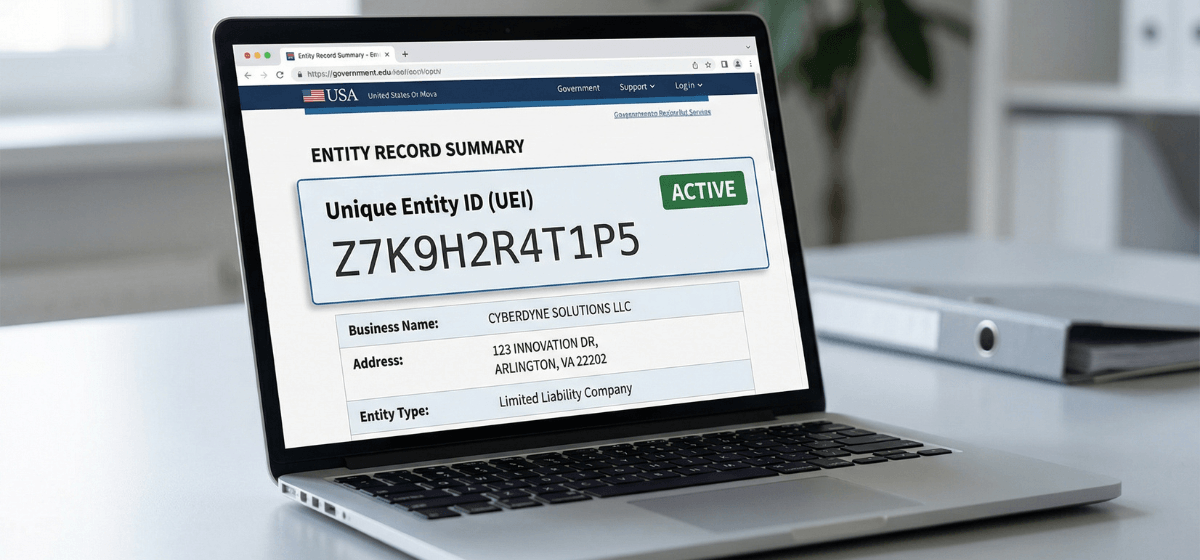
Your UEI is displayed in the core entity data section of your registration record — typically near the top alongside your legal business name and registration status.
- Add it to your internal vendor file or onboarding folder
- Share it with whoever handles contracts, proposals, and invoicing
- Include it in your capability statement header
If you can't find your UEI
- Validation still pending: your UEI may not yet be visible if your entity validation is still processing. Check your registration status and see entity validation in SAM.gov if your registration is stalled.
- Wrong account: confirm you are logged in with the same Login.gov account used to register your entity. UEIs are tied to entity records, which are tied to the registering account.
- Public lookup: SAM.gov allows public entity searches by business name or address without logging in — useful if you need to confirm a UEI quickly or look up a partner's entity.
If you haven't started registration yet, the full step-by-step process is covered in how to register in SAM.gov.
What You Can Do With a UEI
What your UEI unlocks depends on whether you have a UEI only or a complete, Active SAM registration. The distinction matters.
With a UEI + Active SAM registration
With a UEI only (no full registration)
- Satisfy UEI requirements for subcontract reporting and some grant applications
- Be referenced in federal procurement and financial assistance records
- You cannot receive prime contract awards or full federal payments without a complete Active registration
UEI vs DUNS: What Changed and Why
The DUNS number was a 9-digit identifier issued by Dun & Bradstreet — a private commercial company — and was used across federal procurement systems for decades. In April 2022, GSA officially retired the DUNS number and replaced it with the UEI: a 12-character identifier generated and managed entirely within SAM.gov, with no third-party involvement.
The practical reasons for the switch: the federal government wanted an identifier it owned and controlled, without reliance on a commercial vendor's data systems or pricing. The UEI is generated free, managed within a government system, and tied directly to the SAM entity record rather than a separate commercial database.
What this means for your business today: DUNS numbers are no longer accepted in federal systems. If a form, portal, or procurement system still references a DUNS number, either the field has been updated to accept UEI under the same label, or the system is outdated. When in doubt, enter your UEI.
Frequently Asked Questions About UEI Numbers
What does UEI stand for?
UEI stands for Unique Entity Identifier. It is a 12-character alphanumeric code assigned to your business by SAM.gov and used to identify your entity across federal procurement and financial assistance systems.
How do I get a UEI number?
Your UEI is assigned automatically when you register your entity in SAM.gov at sam.gov. You do not apply for it separately — it is generated as part of the registration process. Registration is free. If you only need a UEI without a full registration, SAM.gov also offers a UEI-only request option.
Did UEI replace DUNS?
Yes. The UEI replaced the DUNS number in April 2022. GSA transitioned to a government-managed identifier so federal agencies are no longer dependent on a third-party commercial system. DUNS numbers are no longer accepted in federal procurement or financial assistance systems.
Can I find my UEI without logging in to SAM.gov?
SAM.gov allows public entity searches — you can look up an entity's UEI by business name or address without an account. However, to view and manage your own full entity record, you need to sign in with your Login.gov credentials.
Is a UEI the same as a CAGE code?
No. A UEI and a CAGE code (Commercial and Government Entity code) are two different identifiers. Your UEI is a 12-character alphanumeric code assigned in SAM.gov during registration. A CAGE code is a separate 5-character alphanumeric identifier assigned by the Defense Logistics Agency — it appears in your SAM entity record and is used primarily in defense procurement and supply chain systems.
Ready to get your SAM registration Active?
Getting your UEI is the first milestone in SAM.gov registration — but a UEI alone doesn't make you eligible for contract awards. If you want to complete your full registration accurately and efficiently, the done-for-you service handles the entire process. Or if you have questions about your specific situation first, book a strategy call.
Author: Biz2Gov Editorial Team · Reviewed by: Former DoD Contracting Officer advisor · Sources: SAM.gov entity registration, GSA UEI update, SAM.gov help